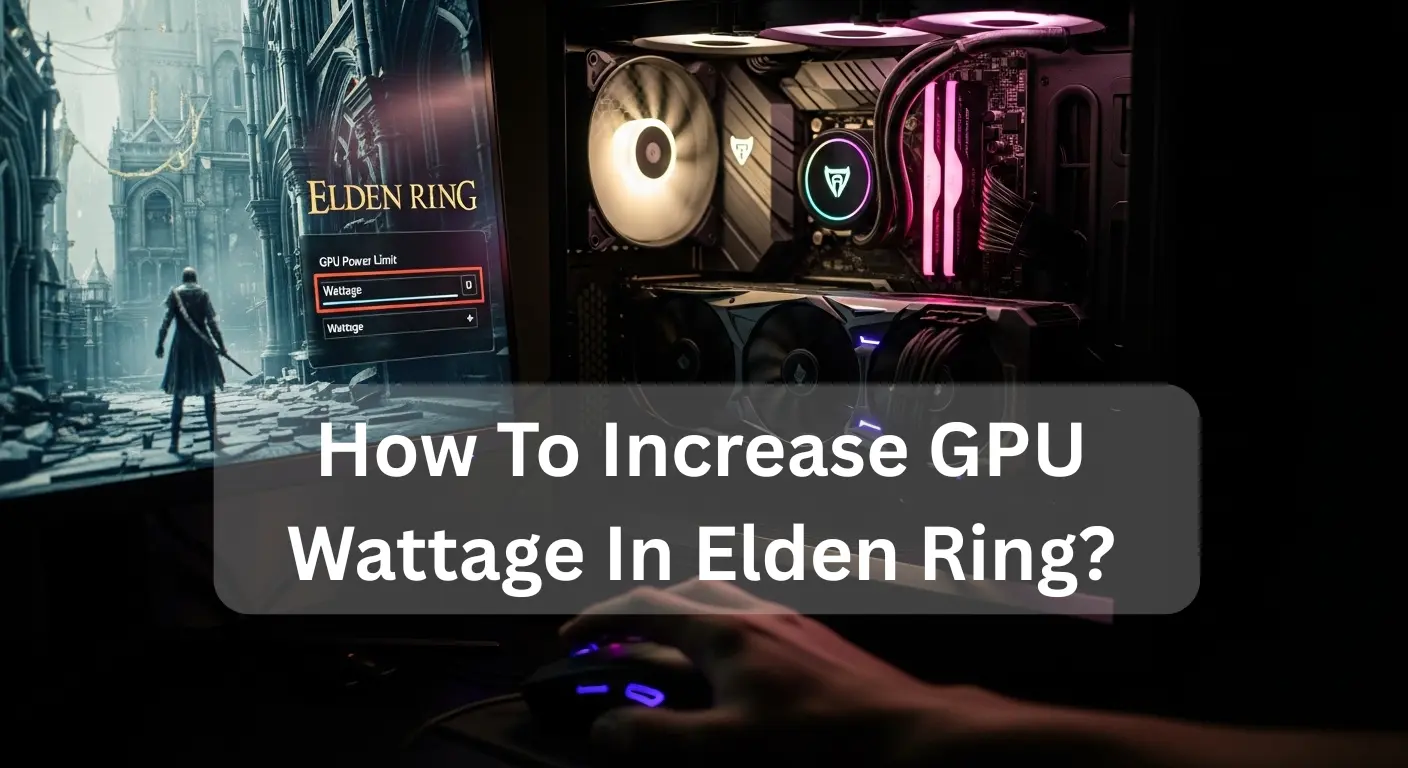
To increase GPU power draw in Elden Ring, raise your GPU power limit in your graphics software. Enable high-performance mode in Windows, update GPU drivers, and disable power-saving options. Also, raise in-game graphics settings slightly to push GPU usage. Make sure temperatures stay safe, and use a strong power supply for stable performance.
In this guide, we will explore simple steps that help players unlock better performance and get the most out of their gaming hardware.
Why Elden Ring Is Not Using Full GPU Wattage:
Why Elden Ring is not using full GPU wattage usually happens because of a CPU bottleneck, FPS cap, V-Sync, or low graphics settings. Background apps, power limits, or old GPU drivers can also reduce usage. Increase graphics settings, disable V-Sync, update drivers, and use high-performance power mode to let your GPU draw more power.
Best Settings to Increase GPU Wattage in Elden Ring:
Best settings to increase GPU wattage in Elden Ring: remove FPS cap, disable V-Sync, use full screen, and raise resolution. Set the GPU power limit in MSI Afterburner, choose Maximum Performance in NVIDIA or AMD panels, and update drivers. These changes increase power usage and fix the GPU not reaching max power.
Also Read: Why Is My GPU Usage at 100% All the Time?
Step-by-Step Guide to Increase GPU Usage in Elden Ring:
1. Update Graphics Drivers (Boost Compatibility):
Download the latest GPU drivers. New updates fix bugs, improve Elden Ring GPU performance, and help your graphics card run at full power. This is one of the fastest ways to increase GPU usage safely.
2. Enable High Performance Power Mode:
Go to Windows Power Settings and choose High Performance. This removes power-saving limits and allows higher GPU power usage during gameplay.
3. Force Dedicated GPU for Elden Ring:
Open Windows Graphics Settings and set Elden Ring to High-performance GPU. This ensures the game uses your dedicated graphics card, not integrated graphics, improving graphics card usage.
4. Increase In-Game Graphics Settings:
Set textures, shadows, and effects to Medium or High. Low settings reduce workload, while higher settings push the GPU harder and increase GPU utilization in Elden Ring.
5. Disable FPS Limit and V-Sync:
Turn off frame caps or V-Sync. This lets your GPU render more frames, increasing graphics card power consumption and improving gameplay smoothness.
6. Close Background GPU Apps:
Shut down browsers, overlays, and recording apps. This frees system resources and allows maximum GPU performance for Elden Ring.
7. Raise GPU Power Limit (Optional but Powerful):
Use GPU software to slightly increase the GPU’s power limit. This allows more wattage and improves performance in demanding scenes.
8. Restart and Monitor GPU Usage:
Restart Elden Ring and check Task Manager. If GPU usage increases, your GPU is now properly utilized, and performance should feel smoother.
Can MSI Afterburner Increase GPU Wattage in Elden Ring?
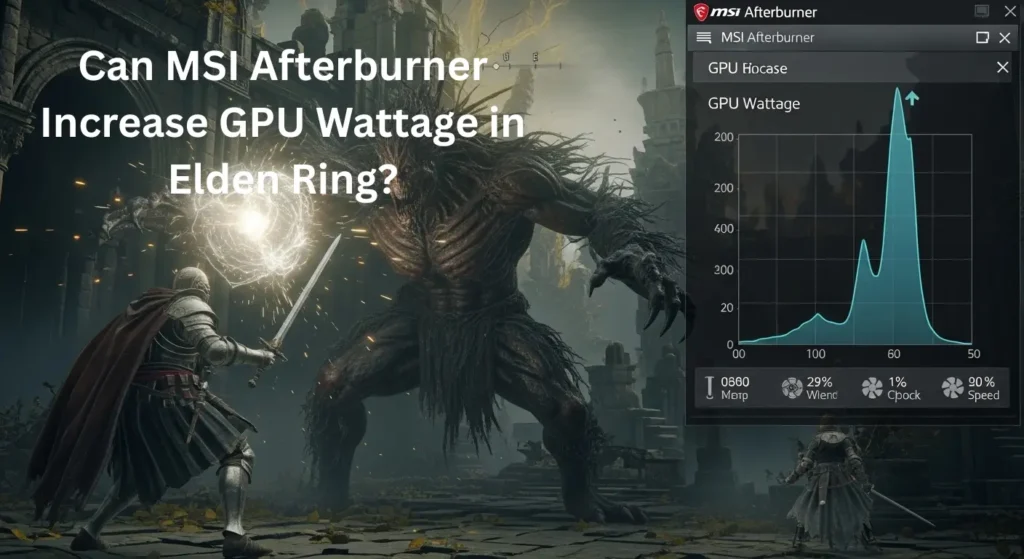
Yes! MSI Afterburner can increase GPU wattage in Elden Ring by unlocking your GPU power limit and raising the power limit or TDP. This fixes issues like Elden Ring’s low GPU usage or GPU stuck at low wattage, improving FPS and smooth gameplay. Works for both NVIDIA GPU power limit increase and AMD GPU wattage increase—monitor temps carefully for safety.
Also Read: Is CAD Software CPU or GPU-intensive?
How Do I Boost GPU Usage in Elden Ring Safely?
| Step | Action | Details / Tips |
| 1 | Update Drivers | Make sure your GPU drivers and Elden Ring are up to date for the best performance. |
| 2 | Adjust In-Game Settings | Lower or balance resolution, textures, shadows, and effects to improve GPU usage. |
| 3 | Use GPU Tuning Tools | Carefully increase power limits using tools like MSI Afterburner or AMD Radeon Software. |
| 4 | Monitor Temperatures | Keep an eye on GPU temps to prevent overheating while boosting usage. |
| 5 | Avoid Excessive Overclocking | Small, safe overclocking can help; avoid pushing limits too high. |
| 6 | Close Background Apps | Shut down unnecessary programs to free GPU resources for smoother gameplay. |
What Settings Increase GPU Power Limit in Elden Ring?
- Open GPU Control Panel – Access NVIDIA Control Panel, AMD Radeon Software, or MSI Afterburner to adjust your graphics card settings.
- Locate GPU Power Limit Settings – Find options like Power Limit, TDP, or performance sliders to unlock your GPU’s full potential.
- Raise Gradually – Slowly increase the power limit to prevent overheating and hardware damage.
- Monitor GPU Wattage – Keep an eye on GPU wattage, as low in Elden Ring or GPU not reaching max power issues while gaming.
- Fix Low GPU Usage – If your GPU is stuck at low wattage, adjust settings to increase GPU performance in Elden Ring and resolve GPU power draw issues.
- Ensure Proper Cooling – Use efficient fans or liquid cooling to maintain safe temperatures during heavy gaming.
- Boost FPS & Stability – Increasing power limits helps unlock GPU power limits, fixes Elden Ring low GPU usage, and delivers smooth gameplay without stutters.
Pro Tip: Tools like MSI Afterburner let you tweak and increase GPU TDP gaming safely and check real-time graphics card power usage for maximum performance.
NVIDIA & AMD Settings to Increase GPU Wattage in Elden Ring:
To increase GPU wattage in Elden Ring on NVIDIA or AMD cards, adjust power limit and temperature settings via the control panel.
NVIDIA:
To boost performance in Elden Ring, open NVIDIA Control Panel → Manage 3D Settings → select the game → set Power Management Mode to “Prefer Maximum Performance.” Use MSI Afterburner to safely raise the Power Limit and Core Clock. Monitor GPU temperature to avoid overheating. Updated drivers ensure smooth, stable FPS.
AMD:
Open AMD Radeon Software → Gaming → Elden Ring → Graphics → increase Power Limit and GPU Clock sliders. Enable Enhanced Performance Mode for maximum FPS. Keep the GPU cool, update drivers, and check the temperature often. These steps safely maximize GPU wattage and improve gameplay performance.
Optimize Graphics Settings to Increase GPU Wattage in Elden Ring:
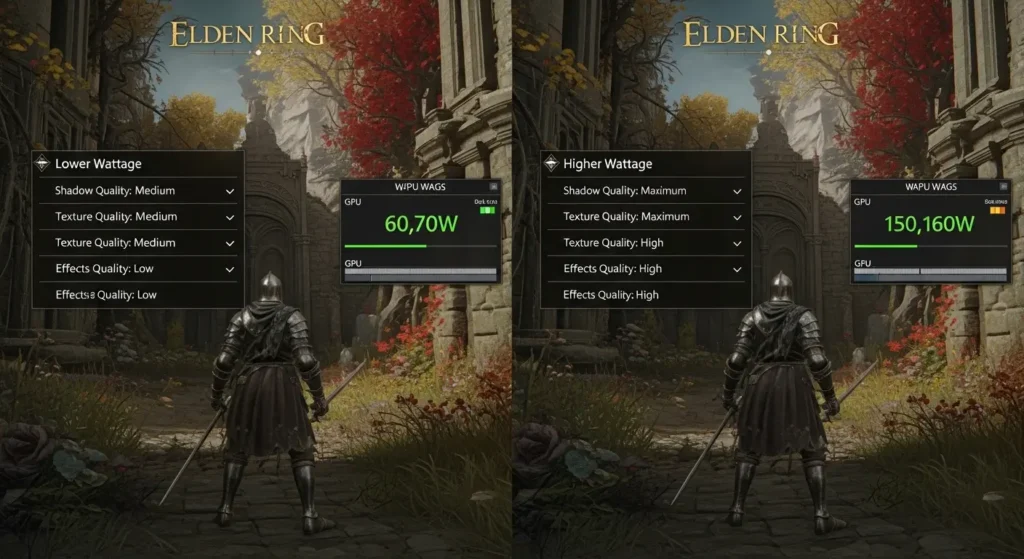
To optimize graphics settings and boost GPU wattage in Elden Ring, lower heavy options like shadows, reflections, and post-processing while keeping resolution stable. Enable GPU performance mode in drivers, check GPU power limit settings, and close background apps. This balances graphics card power usage, ensures smooth gameplay, and prevents overheating.
Why Is My GPU Wattage Low in Elden Ring?
Many players notice that the GPU wattage is low in Elden Ring, which can reduce game performance. This happens when your GPU is not reaching max power due to GPU power throttling, thermal limits, or low GPU voltage and power limit settings.
- Check GPU Power Limit Settings:
Tools like MSI Afterburner let you unlock the GPU power limit and increase the GPU TDP for gaming safely. Adjusting these can boost GPU usage in Elden Ring without damaging your card.
- Monitor Graphics Card Power Usage:
High in-game settings or energy-saving modes can reduce graphics card power usage, causing your GPU to be stuck at low wattage. Lowering unnecessary background tasks and updating drivers often helps.
- Increase GPU Performance in Elden Ring:
By raising the GPU voltage and power limit, you can increase GPU performance in Elden Ring. This solves common GPU power draw issues and ensures smoother gameplay without crashes.
- Fix GPU Thermal Limits:
Sometimes, your GPU hits a thermal limit in Elden Ring, reducing wattage automatically. Improve cooling or clean fans to prevent throttling and maintain full GPU power draw.
Tip: Always monitor temperatures and avoid extreme overclocking. Small tweaks to GPU power settings give the best boost to GPU usage in Elden Ring safely.
Conclusion:
In Elden Ring, maximizing GPU wattage ensures smoother gameplay and higher FPS. By updating drivers, adjusting in-game graphics, disabling FPS limits, and safely raising GPU power limits with tools like MSI Afterburner, players can fully utilize their GPU. Always monitor temperatures and avoid excessive overclocking to maintain stability, unlock peak performance, and enjoy an optimized, immersive gaming experience.
FAQ’s:
1. Can increasing GPU wattage improve FPS in Elden Ring?
Yes, raising GPU wattage can improve FPS because the GPU gets more power to run at higher performance.
2. Is it safe to increase GPU wattage while playing Elden Ring?
Yes, it is safe if temperatures stay normal and you use a good cooling system and power supply.
3. Does increasing GPU wattage reduce stuttering in Elden Ring?
Yes, higher GPU wattage can reduce stuttering by allowing stable clock speeds during gameplay.
4. What is the best way to increase GPU wattage in Elden Ring?
The best way is to raise the GPU power limit using MSI Afterburner, enable high-performance mode, and update drivers.
5. Why is my GPU not using full wattage in Elden Ring?
Your GPU may be limited by power settings, driver issues, V-Sync, or low in-game graphics settings.
Also Read: What is NBody Calculation GPU?