Roblox is mostly CPU-intensive, not GPU-heavy. The CPU handles game logic, player actions, physics, and scripts. The GPU is used, but only for basic graphics. If Roblox feels slow or laggy, upgrading your CPU and RAM helps more than buying a powerful graphics card.
This article explains everything in clear, simple language. By the end, you will know what Roblox needs the most, why some computers lag, and what you can do to improve performance.
What Does CPU-Intensive and GPU-Intensive Mean?
Before we talk about Roblox, let’s clearly understand these two terms in simple words.
What is the CPU?
The CPU is the brain of your computer. It controls how the game runs behind the scenes. It handles game scripts, physics calculations, player movement, and background tasks. Games depend heavily on single-core performance, and when the CPU cannot keep up, it causes a CPU bottleneck, leading to FPS drops and stutters.
What is the GPU?
The GPU is responsible for how the game looks on your screen. It manages textures, shadows, lighting, animations, and graphics settings. High GPU usage improves visuals, but if the GPU is overloaded, it can also cause FPS drops instead of smooth gameplay.
Is Roblox More CPU or GPU-intensive?
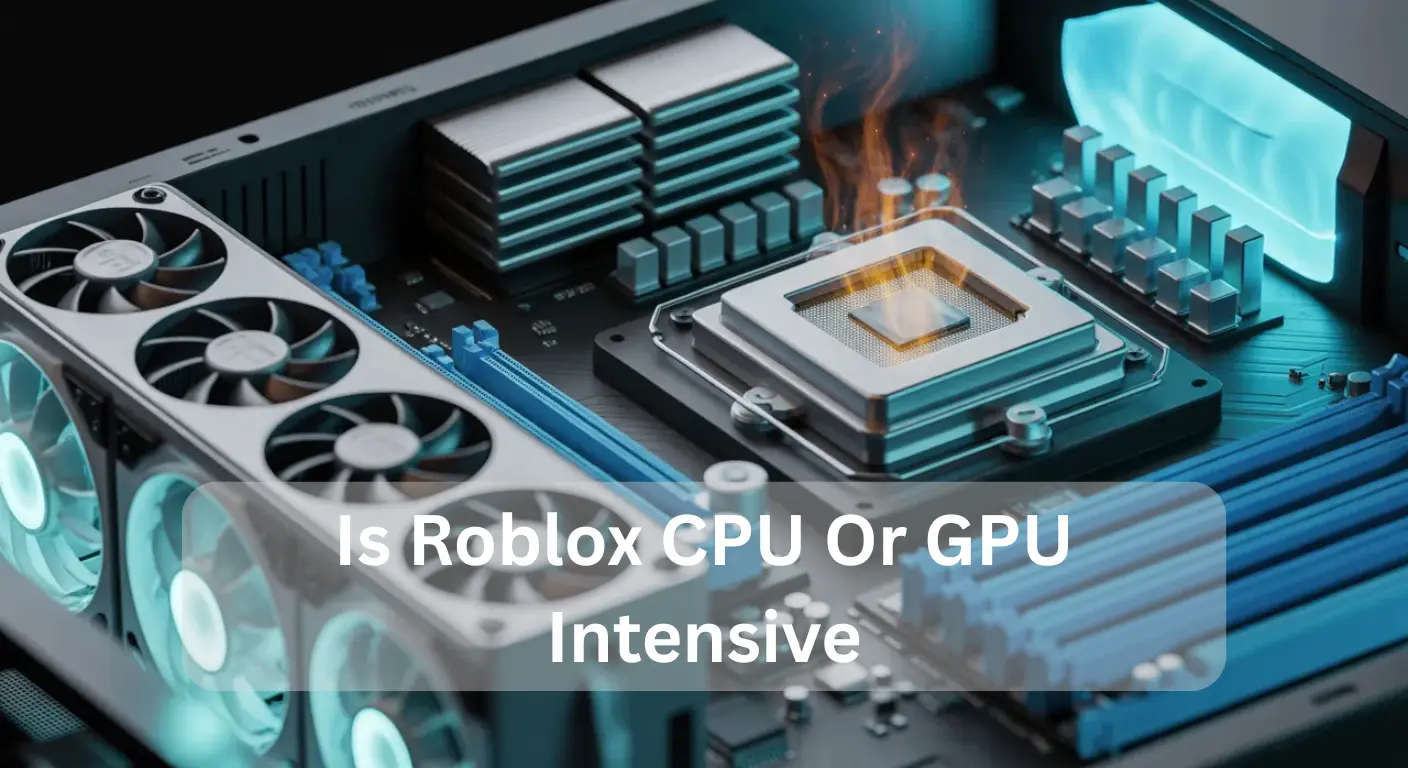
Roblox is mostly CPU-intensive rather than GPU-intensive. The CPU handles game logic, scripts, and events, physics calculations, and background tasks, while the GPU mainly manages graphics. Even on simple maps, processor load can be high, and single-core performance matters for smooth gameplay.
Why Roblox Uses More CPU:
- Game logic and scripts: Roblox scripts control character movement, items, enemies, and events. The CPU processes all of this in real-time.
- Physics calculations: Simulators, fighting games, obbies, and role-play worlds have many moving objects. These require heavy CPU work, creating potential CPU bottlenecks.
- Simple graphics: Roblox maps use blocks and low-detail textures, so the GPU is not fully stressed.
- Single-threaded tasks: Some Roblox systems rely on one or two CPU cores, which can slow down the game if other cores are idle.
Extra Tips: A strong CPU helps reduce Roblox lag, prevent CPU overheating, and improve Roblox FPS boost. Upgrading your processor or optimizing scripts can make the game smoother.
Summary: For the best Roblox experience, focus on fast CPU performance rather than an expensive GPU. The CPU drives most of the game, especially in busy worlds, large maps, and games with many players.
Also Read: Is Fallout 4 CPU Or GPU Intensive
When Does Roblox Use More GPU?
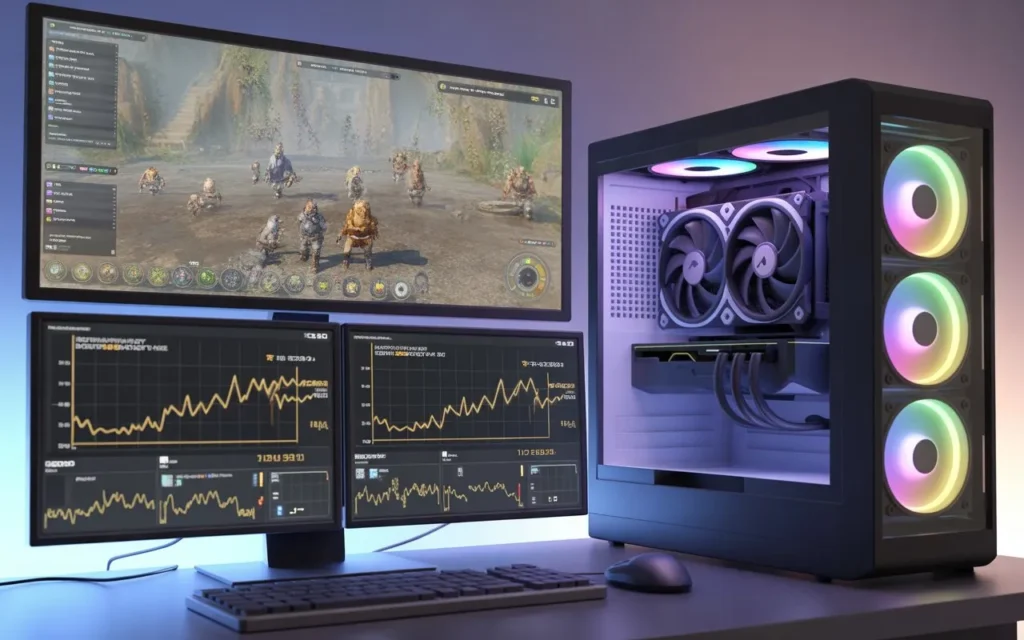
Although Roblox is mainly CPU-heavy, your GPU becomes important in certain situations. The game relies on the CPU for script execution, real-time physics processing, and client-side calculations, but the GPU takes over when graphics demand rises.
Your GPU works harder when you:
- Increase graphics quality or use realistic lighting showcases
- Play at higher resolutions like 1440p or 4K
- Enable shadows, reflections, and particle effects
- Aim for higher FPS or use a high-refresh-rate monitor (120Hz, 144Hz)
- Run games with heavy draw calls and complex visual effects
Types of Roblox games that need more GPU power include horror games with dynamic shadows, graphic-heavy simulators, detailed role-play worlds, or maps with reflective surfaces.
To avoid frame time spikes, thermal throttling, or hardware bottlenecks, balance graphics settings with CPU thread limitations. For smoother gameplay, consider Roblox performance optimization tips, Roblox FPS boost tricks, and best Roblox settings for low-end PCs.
In short, the more visually demanding your game or settings, the more your GPU is used—while your CPU still handles physics, scripts, and server-side calculations. Optimizing both ensures smooth, lag-free Roblox gameplay.
Which One Matters More for Smooth Gameplay?
CPU Matters More for Most Games:
In Roblox, many games rely on real-time physics processing, script execution load, and client-side processing more than graphics. This makes the CPU the main factor for smooth gameplay. A weak CPU can cause:
- Stutters and frame drops, frame time spikes
- Freezes or slow load times
- Inconsistent gameplay and CPU bottleneck issues
Even with a strong GPU, these problems happen due to CPU thread limitations or game engine optimization challenges.
GPU Matters for High Graphics Settings:
- Your GPU affects performance when using:
- High resolution or graphics quality
- Shadows and particles draw calls
A strong GPU ensures smooth visuals, but it cannot fix CPU-related lag. For the best Roblox performance optimization, a balanced CPU-GPU setup is key. Use the best Roblox settings for a low-end PC and follow a Roblox FPS boost strategy to fix lag.
Pro Tip: Reducing server-side load, monitoring thermal throttling, and avoiding hardware throttling can prevent stutters and maintain a consistent framerate.
Signs Your CPU Is Struggling in Roblox:
If Roblox starts lagging, freezing, or showing low FPS, it means your CPU is struggling to handle the game. You may notice slow loading, choppy gameplay, delayed movements, or high CPU usage in the task manager. Complex maps, many scripts, or background apps increase stress. Upgrading your CPU, closing unnecessary programs, and optimizing settings can boost performance instantly.
Signs Your GPU Is Struggling in Roblox:
If Roblox starts lagging, freezing, or showing low frame rates, your GPU might be struggling. You may notice blurry or missing textures, slow graphics loading, or sudden drops in visual quality. High fan noise, overheating, or long load times are also clear signs. These indicate your graphics card is under heavy stress, and adjusting settings or upgrading can improve smooth gameplay.
Also Read: How Many Threads Does My CPU Have?
How to Improve Roblox Performance (Simple Steps):
You don’t need a high-end PC to play Roblox smoothly. With the right settings and small tweaks, you can boost Roblox FPS, reduce lag, and enjoy a stable game experience.
1. Optimize Graphics Settings:
Lower graphics quality, shadows, textures, and disable anti-aliasing. This reduces GPU load, helps with frame time spikes, and improves game engine optimization.
2. Close Background Programs:
Apps like Chrome, Discord, or OBS consume CPU threads. Closing them frees processing power for real-time physics processing and script execution load, reducing Roblox lag.
3. Reduce Screen Resolution:
If your GPU is weak, lowering resolution lightens client-side processing, improving FPS, and reducing hardware throttling.
4. Keep Your System Cool:
Overheating can cause thermal throttling, slowing the CPU and GPU. Use cooling pads, fans, or improve airflow for consistent performance.
5. Update Graphics Drivers:
Current drivers improve GPU efficiency, enhance Roblox performance optimization, and prevent CPU bottleneck issues.
6. Upgrade Hardware if Needed:
For lag or server-side vs client lag, upgrading the CPU fixes slow processing, while a stronger GPU enhances visuals and smoother gameplay.
7. Use Fullscreen Mode:
Playing in full screen reduces extra load, lowers draw calls, and maximizes FPS.
Following these steps ensures the best Roblox settings for low-end PCs, fixes lag, and creates a smoother, more enjoyable experience for every player.
Best CPU and GPU Recommendations for Roblox:
You do not need expensive parts. Roblox runs well even on mid-range computers.
Recommended CPU:
A recent Intel Core i3 or i5, or AMD Ryzen 3 or Ryzen 5, works best. These CPUs handle game logic, scripts, and events, real-time physics processing, and reduce CPU bottleneck, frame time spikes, and processor load, giving a clear Roblox FPS boost.
Recommended GPU:
Entry-level GPUs or modern integrated graphics like Intel Iris Xe are enough. Roblox uses limited draw calls and simple visuals, so GPU usage stays low. Focus on Roblox performance optimization and proper settings to avoid thermal throttling and lag.
Why Some Roblox Games Lag More Than Others:
Some Roblox games lag more than others because of CPU bottlenecks and poor game engine optimization. Heavy scripts and events, complex game logic, real-time physics processing, and too many draw calls increase processor load. Weak single-core performance, CPU overheating, background tasks, or server-side lag vs client lag can cause FPS drops. Using the best Roblox settings for low-end PC helps with Roblox FPS boost and lag fix.
Is Roblox Updating Its Graphics Engine?
Yes, Roblox is updating its graphics engine with smart, long-term improvements. It now supports advanced lighting, realistic shadows, better textures, and smoother animations. These updates make games look modern without hurting performance. Roblox keeps updates optional, so old games still run well. This balanced approach helps developers and players on both low-end and high-end devices.
FAQ’s:
1. Is Roblox more CPU-intensive than GPU-intensive?
Yes. Roblox relies more on the CPU for game logic, physics, and scripts, while the GPU handles basic graphics rendering.
2. Does Roblox require a powerful GPU to run smoothly?
No. Roblox can run well on low-end or integrated GPUs because it does not use advanced graphics like AAA games.
3. Can upgrading the CPU improve Roblox performance?
Yes. A faster CPU improves frame rates, reduces lag, and helps Roblox games load and run more smoothly.
4. How does Roblox use CPU and GPU resources?
Roblox uses the CPU for processing game mechanics, player actions, and physics, while the GPU is mainly used for rendering visuals and textures.
5. What PC specs are best for playing Roblox without lag?
A balanced system with a strong single-core CPU, at least 8GB RAM, and an integrated or entry-level GPU is ideal for smooth Roblox gameplay.
Conclusion:
Roblox is mainly CPU-intensive, not GPU-intensive. The CPU runs scripts, physics, and game logic, so strong CPU performance gives smoother gameplay. The GPU only matters more at high graphics or resolution. To reduce lag, balance settings, keep your system cool, and focus on CPU power for the best Roblox experience.
Also Read: What Kind of Ryzen CPU for Plex Server